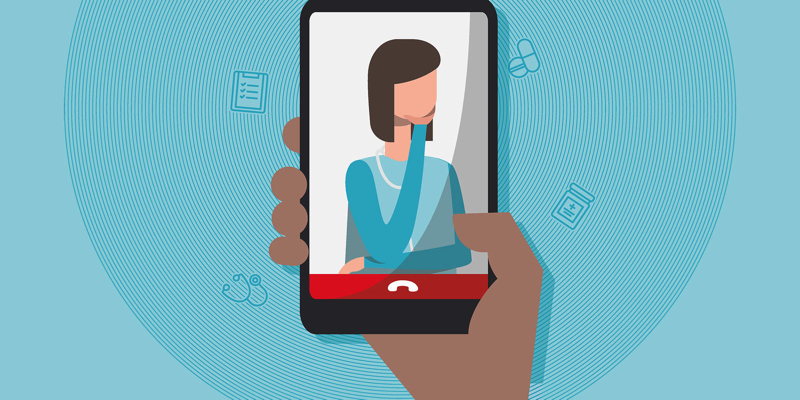
I offer remote live services delivered to your computer or mobile device via a HIPAA-compliant, encrypted video platform provided by Psychology Today. Just click “Enter Waiting Room” to begin our visit, and then you may optionally download the Psychology Today app from the Google or Apple app stores. You may use either the app, or the browser link below, to enter your session (the app is not required).
TIP: Works best on WiFi rather than over a cellular data connection.
HELP: My audio or video is freezing, choppy, or out of sync!
- For optimal quality, Sessions by Psychology Today should be run on a desktop or laptop computer.
- You should close as many running applications or open browser tabs as they can.
- Sessions on Android or iOS based mobile devices work best using a WiFi connection.
- Try changing your video quality to a lower setting. Click the three vertical dots on the bottom right of your video panel and select “Medium” or “Low”.
HELP: My camera or microphone is blocked!
If you see a message that your camera and microphone are blocked, try these steps:
- Make sure no other applications or browser tabs are using your camera or microphone.
- Make sure you have allowed your browser access to your microphone and camera if prompted.
- If you were not prompted to allow access to your microphone and camera, open your browser’s Permissions page and allow access for sessions.psychologytoday.com.
Once you have made any of the above changes, reload Sessions by Psychology Today in your browser.